How to check a USDT (TRC-20) transaction on TRON: status, fee and “not found” explained
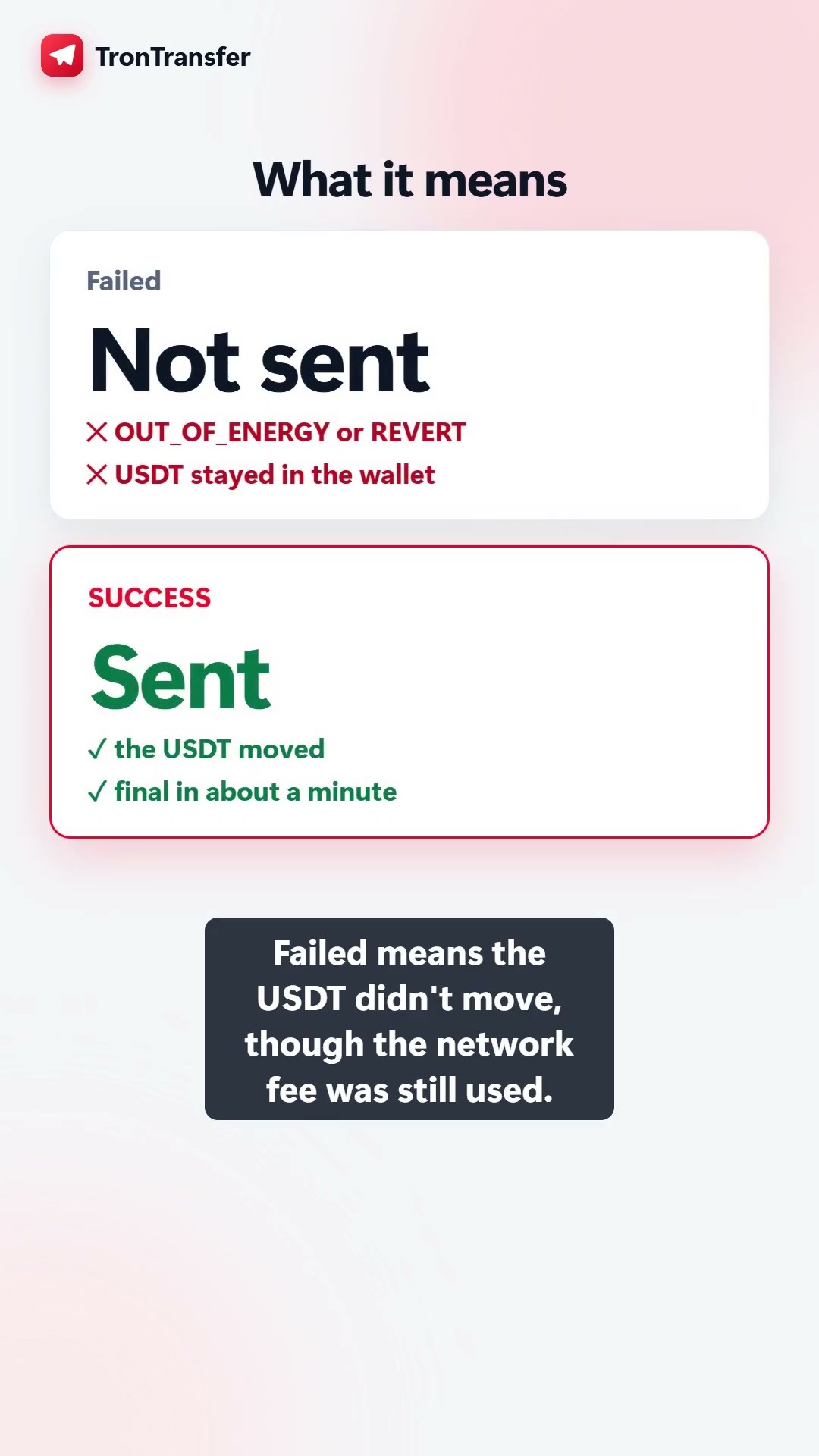
Short answer: paste the transaction ID (TxID, a 64-character code) or your wallet address into a TRON explorer such as explorer.trontransfer.com. SUCCESS means the USDT moved. Not confirmed yet means it’s waiting for a block (TRON makes one every 3 seconds). Failed (for example OUT_OF_ENERGY) means the USDT did not move, though the network fee was still used. Not found usually means the transaction was never broadcast, or it’s on another network.
You sent USDT, or someone says they did, and you want proof. On TRON you don’t have to wait for anyone’s word: every transfer is public, and checking one takes under a minute once you know where to look and what the result means. Here’s the whole thing, step by step, including the cases that confuse people most: “pending”, “failed but my TRX went down”, and “transaction not found”.
Check one now: paste a transaction ID or address into explorer.trontransfer.com. It reads the TRON blockchain directly and explains the result in plain English, with no sign-in and no wallet connection.
Step 1: find the transaction ID (TxID)
Every TRON transaction has a unique ID, also called the transaction hash or TxID. It’s 64 characters long, made of digits and the letters a–f, like 868957d1…6e93894. Where to find it:
- TronLink, Trust Wallet, imToken and most wallets: open the USDT (TRC-20) asset, tap the transfer in its history, and copy the “Transaction ID” or “Hash”. Many wallets also have a “View on explorer” button that opens it for you.
- An exchange withdrawal (Binance, OKX, Bybit and others): open your withdrawal history and copy the TxID. If there’s no TxID yet, the exchange hasn’t broadcast the withdrawal, so there is nothing on the blockchain to check: the delay is on the exchange’s side.
- Someone says they paid you: ask them for the TxID. A real payment always has one, and you can check it yourself instead of trusting a screenshot.
Step 2: read the status
Paste the TxID into the search box. The first line tells you what happened. These are the only results you’ll see:
| Status | What it means | What to do |
|---|---|---|
| SUCCESS | The network executed the transfer and the USDT moved to the recipient. | Nothing. If the recipient doesn’t see it, they’re looking at the wrong network or the wrong address. |
| Not confirmed yet | The transaction exists but isn’t in a block yet. | Wait a few seconds and refresh. TRON makes a block every 3 seconds. |
| Failed (OUT_OF_ENERGY) | The sending wallet couldn’t pay for the energy the transfer needed, so it stopped. No USDT moved. | Add TRX or energy and send again, or pay the fee another way. The TRX burned for the failed attempt isn’t refunded. |
| Failed (REVERT) | The USDT contract rejected the call, for example not enough USDT, or a frozen address. No USDT moved. | Check the sender’s USDT balance. A frozen (blacklisted) address can’t send USDT at all. |
Below the status, the explorer shows the block number and time, from and to addresses, the amount, and the fee: how much energy and bandwidth the transfer used and how much TRX was burned for it. If the energy was rented or delegated (as with TronTransfer), it shows 0 TRX burned for energy.
“Transaction not found”: the four real causes
This is the result that worries people most, and it almost never means your money vanished:
- It was never broadcast. The wallet or exchange created it but didn’t send it to the network, or it expired before it was included. TRON transactions expire after a few minutes if they don’t make it into a block. Your USDT never left; check your balance.
- It’s on another network. USDT exists on many blockchains. An Ethereum (ERC-20) transaction starts with
0x; a BNB Chain (BEP-20) one too. A TRON explorer will never find those. Check which network the withdrawal used. - The ID was copied incompletely. It must be exactly 64 characters. A trailing space or a missing character gives “not found”.
- It was a few seconds ago. Refresh. On TRON, “not found” for longer than a minute after broadcast means one of the three above.
How long until it’s final?
A transfer usually appears in a block within seconds. TRON treats a block as irreversible once about 19 more blocks have been produced, roughly one minute. Wallets show the transfer as soon as it’s in a block; exchanges often wait for more confirmations before crediting a deposit. Full breakdown: how long a USDT TRC-20 transfer takes.
Check an address, not just a transaction
Pasting an address shows its TRX and USDT balances, its recent USDT transfers, and a quick safety check. Two things worth knowing before you send to it:
- Look-alike addresses. Address-poisoning scams send tiny or zero-value transfers from an address that matches the first and last characters of one you use, hoping you copy it from your history. The explorer flags those look-alikes.
- Brand-new addresses cost more. Sending USDT to an address that has never held USDT uses about twice the energy (about 131,000 instead of 65,000), so the fee roughly doubles. The explorer shows the address’s USDT balance, so you can see whether it already holds any.
For a full pre-send check (activity, look-alikes, frozen status), use Check a TRON address.
A real-time view of USDT on TRON
The explorer’s home page shows large USDT transfers as they happen, the live energy price, and what a USDT transfer costs right now if you burn TRX versus using TronTransfer. Everything comes straight from the chain.
Sending USDT next? You can pay the network fee in TRX, the cheaper option, or pay it in USDT if your wallet is short of TRX. Either way, you’ll get a TxID you can check right here.
Watch the video
Frequently asked questions
How do I check if my USDT TRC-20 transfer went through?
Copy the transaction ID (TxID) from your wallet or exchange history and paste it into a TRON explorer such as explorer.trontransfer.com. If the status is SUCCESS, the USDT has moved to the recipient. You can also paste the recipient's address and look for the transfer in its recent USDT activity.
How long does a USDT TRC-20 transaction take to confirm?
TRON produces a block every 3 seconds, so a transfer usually shows up in a block within seconds of being broadcast. It's treated as irreversible once about 19 more blocks have been produced, which takes roughly a minute. Exchanges may wait for more confirmations before crediting you.
Why does my USDT transaction say failed but my TRX balance went down?
A failed transaction (for example OUT_OF_ENERGY or REVERT) didn't move the USDT, but TRON still charges for the energy and bandwidth it used before stopping, and that fee isn't refunded. The explorer shows how much TRX was burned and why it failed.
Why is my USDT transaction not found?
Usually one of three things: the wallet never broadcast it (or it expired before it was included), it's on another network (an Ethereum ERC-20 or BNB Chain BEP-20 transaction won't appear on a TRON explorer), or the ID was copied incompletely. A TRON transaction ID is exactly 64 characters, letters a–f and digits, with no 0x in front.
Is checking a transaction on an explorer safe?
Yes. Looking up a transaction or address only reads public blockchain data. You never need to connect a wallet, sign anything or share a private key or seed phrase to check a transaction; anyone who asks you to is running a scam.